Deferred timing resolution using stretch
The OpenQASM 3 language specification contains a stretch type with which you can specify relative timing of operations instead of absolute timing. Support for stretch as durations for Delay instructions was added in Qiskit v2.0.0. The concrete value of a stretch duration is resolved at compile time, after the exact duration of calibrated gates are known. The compiler tries to minimize the stretch duration, subject to timing constraints on one or more qubits. You can then express gate designs such as evenly spacing gates (for example, to implement a higher-order echo decoupling sequence), left-aligning a sequence of gates, or applying a gate for the duration of some sub-circuit, without knowing the exact timing.
Examples
Dynamical decoupling
A common use case of stretch is to apply dynamical decoupling to an idling qubit while another qubit is undergoing conditional operations.
For example, we can use stretch to apply an XX dynamical decoupling sequence to qubit 1, for the duration of the conditional block applied to qubit 0, as illustrated by the following diagram:
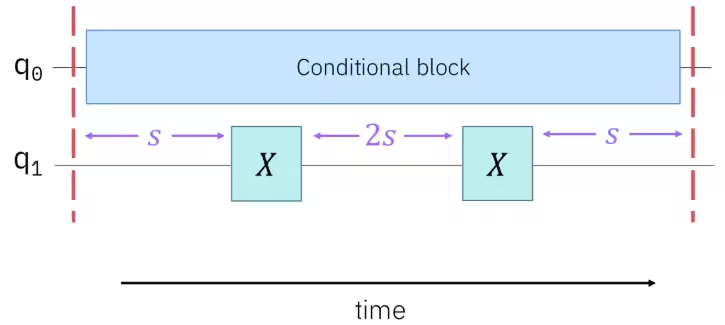
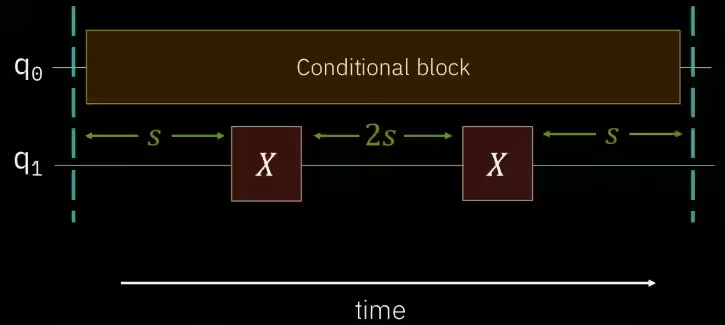
The corresponding circuit would look like the following. Note that a pair of barriers is needed to define the boundaries of this relative timing.
from qiskit.circuit import QuantumCircuit, QuantumRegister, ClassicalRegister
from qiskit.circuit.classical import expr

qubits = QuantumRegister(2)
clbits = ClassicalRegister(2)
circuit = QuantumCircuit(qubits, clbits)
(q0, q1) = qubits
(c0, c1) = clbits

# Add barriers to define the boundaries
circuit.barrier()
circuit.h(q0)
circuit.measure(q0, c0)
with circuit.if_test((c0, 1)) as else_:
    circuit.h(q0)
with else_:
    circuit.x(q0)

# Apply an XX DD sequence with stretch on qubit 1
s = circuit.add_stretch("s")
circuit.delay(s, q1)
circuit.x(q1)
circuit.delay(expr.mul(s, 2), q1)
circuit.x(q1)
circuit.delay(s, q1)
circuit.barrier()
Scheduling alignment
This example uses stretch to ensure a sequence of gates between two barriers are left-aligned, whatever their actual durations are:
from qiskit import QuantumCircuit
from numpy import pi

qc = QuantumCircuit(5)
qc.barrier()
qc.cx(0, 1)
qc.u(pi/4, 0, pi/2, 2)
qc.cx(3, 4)

a = qc.add_stretch("a")
b = qc.add_stretch("b")
c = qc.add_stretch("c")

# Use the stretches as Delay duration.
qc.delay(a, [0, 1])
qc.delay(b, 2)
qc.delay(c, [3, 4])
qc.barrier()When using stretch with Qiskit Runtime, any remainder resulting from a stretch resolution is added to the first delay that uses the stretch.
Example:
a = circuit.add_stretch("a")
circuit.barrier(q0, q1)
circuit.delay(100, q0)
circuit.delay(a, q1)  # resolve to 26
circuit.x(q1)  # duration: 8
circuit.delay(a, q1)  # resolve to 25
circuit.x(q1)  # duration: 8
circuit.delay(a, q1)  # resolve to 25
circuit.x(q1)  # duration: 8
circuit.barrier(q0, q1)
The above code resolves to a value of 25 with a remainder of 1. The first delay[a] will have the remainder added.
Stretch resolution equation:
View stretch values in Qiskit Runtime
The actual value of a stretch duration is resolved at compile time, after the circuit is scheduled. When running a Sampler job in Qiskit Runtime, you can view the resolved stretch values in the job result metadata. Support for stretch in Qiskit Runtime is currently experimental, so you need to first set an experimental option to enable its retrieval, then access the data directly from the metadata as follows:
# Enable stretch value retrieval.
sampler.options.experimental = {
    "execution": {
        "stretch_values": True,
        "scheduler_timing": True,
    },
}

# Access the stretch values from the metadata.
job_result = job.result()
circuit_stretch_values = job_result[0].metadata["compilation"]["stretch_values"]

# Visualize the timing.
# Use the sliders at the bottom, the controls at the top, and the legend on the side
# of the output to customize the view.
draw_circuit_schedule_timing(vulqan_job.result()[0].metadata['compilation']['scheduler_timing']['timing'])Although the total circuit time is returned in the "compilation" metadata, this is NOT the time used for billing (quantum time).
Understand the metadata output
The stretch_values metadata returns the following information:
- Name: The name of the applied stretch
- Value: The requested goal value
- Remainder: The remainder from resolving the stretch, which is added to the first delay that uses the stretch.
- Expanded values: Sets of values that specify the stretch start and its duration
Example output
 [{'name': 'bar',
  'value': 29,
  'remainder': 1,
  'expanded_values': [[1394, 30], [1404, 29]]},
 {'name': 'foo',
  'value': 8,
  'remainder': 2,
  'expanded_values': [[1405, 10], [1400, 24], [1417, 16]]}
  ]
You can also use a visualization (which requires plotly) to help understand and verify the timing.
draw_circuit_schedule_timing(vulqan_job.result()[0].metadata['compilation']['scheduler_timing']['timing'])In the following image, based on the example output, bar corresponds to the stretches on Qubit 3. The first stretch delay that uses bar starts at the end of the init_play (1394). The stretch duration is 30 so that delay ends when the x gate starts (1394+30 = 1424).
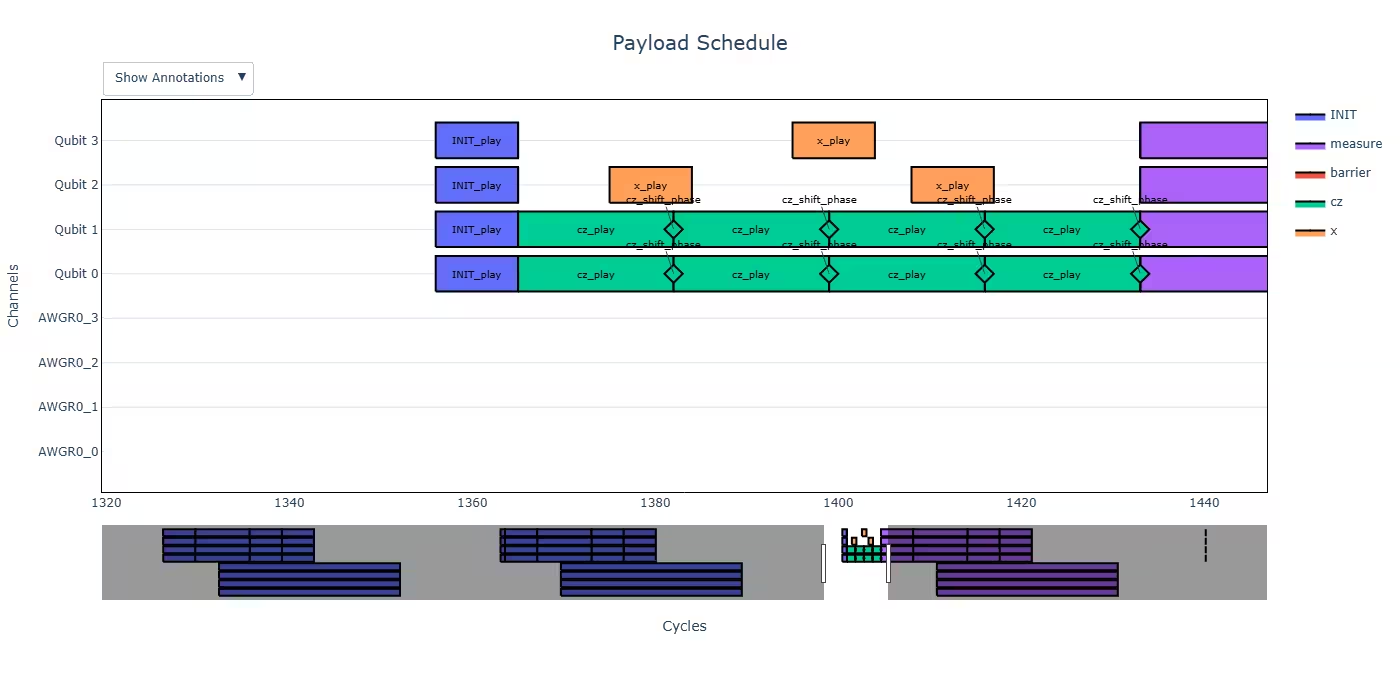
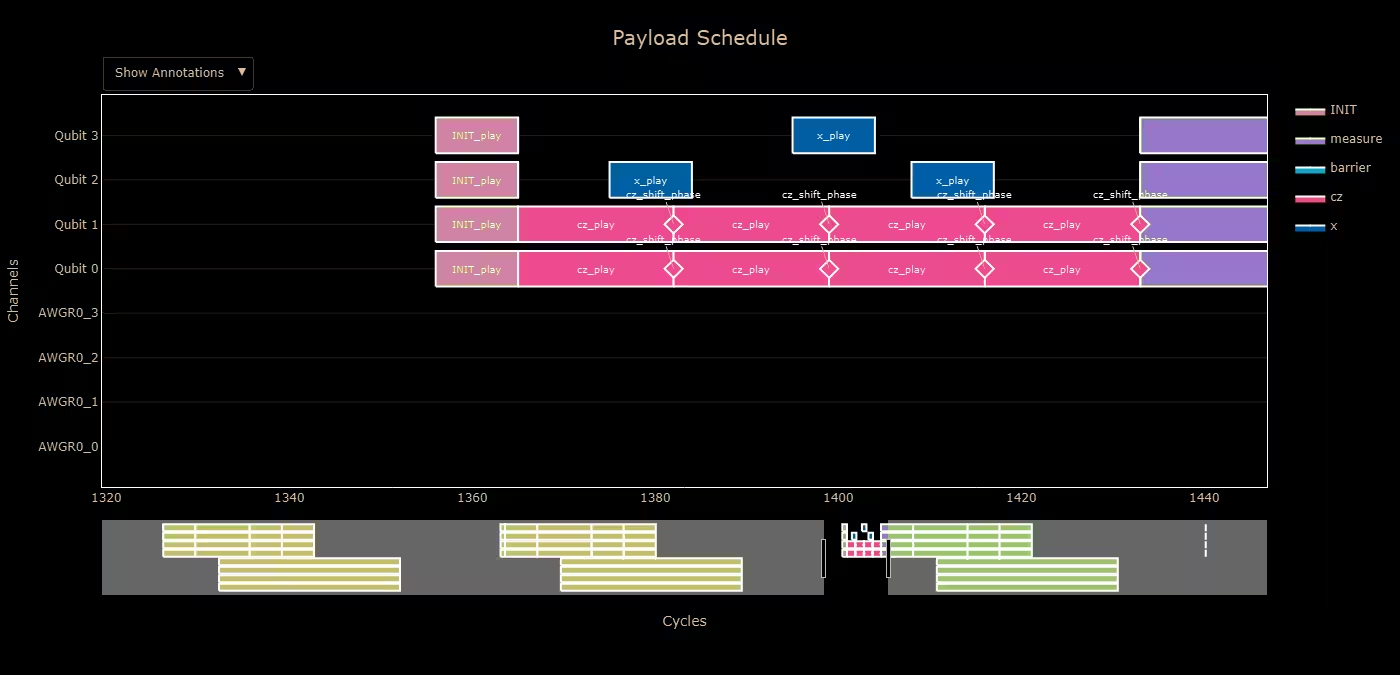
Use the sliders at the bottom, the controls at the top (hover over the image to reveal these), and the legend on the side of the output to customize the view. Hover over the image to view exact data.
Qiskit Runtime limitations
Support for stretch in Qiskit Runtime is currently experimental and has the following constraints:
-
At most one stretch variable per qubit set between barriers (implicit and explicit). A qubit set is one or more qubits; these sets must be mutually exclusive.
a = circuit.add_stretch("a")
b = circuit.add_stretch("b")
circuit.delay(a, (q0, q1))
circuit.delay(b, q0)  # Invalid because 2 stretches are applied on q0
a = circuit.add_stretch("a") b = circuit.add_stretch("b") circuit.delay(a, (q0, q1)) circuit.delay(b, q2) -
The area surrounded by a set of barriers is called a barrier region. A stretch variable cannot be used in multiple barrier regions.
# Stretch a is used in two barrier regions
a = circuit.add_stretch("a")
circuit.barrier((q0, q1))
circuit.delay(a, q0)
circuit.barrier((q0, q1))
circuit.delay(a, q0)
circuit.barrier((q0, q1))

Invalid use of stretch in barrier regions # Stretch a is used inside a barrier region that is on q0 and q1 a = circuit.add_stretch("a") circuit.barrier((q0, q1)) circuit.delay(a, q0) circuit.barrier(q2) circuit.delay(a, q0) circuit.barrier((q0, q1))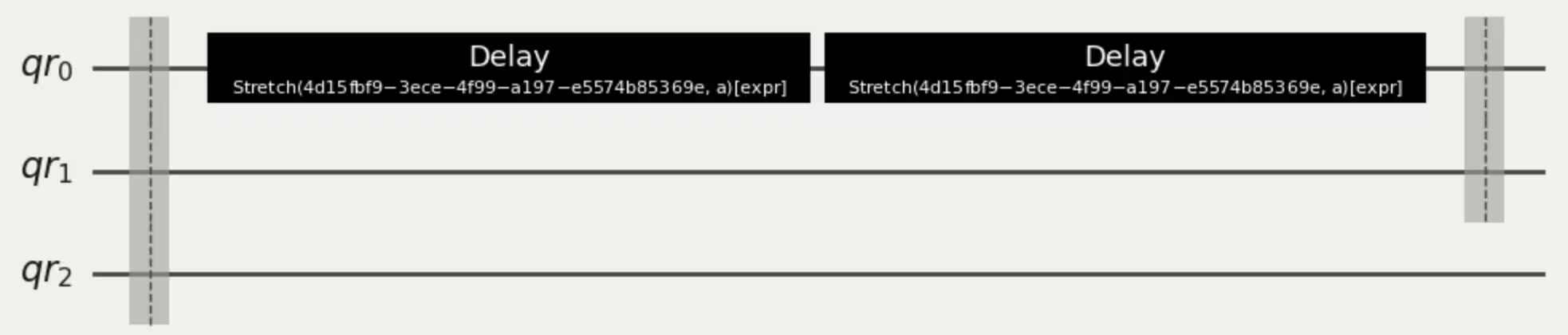
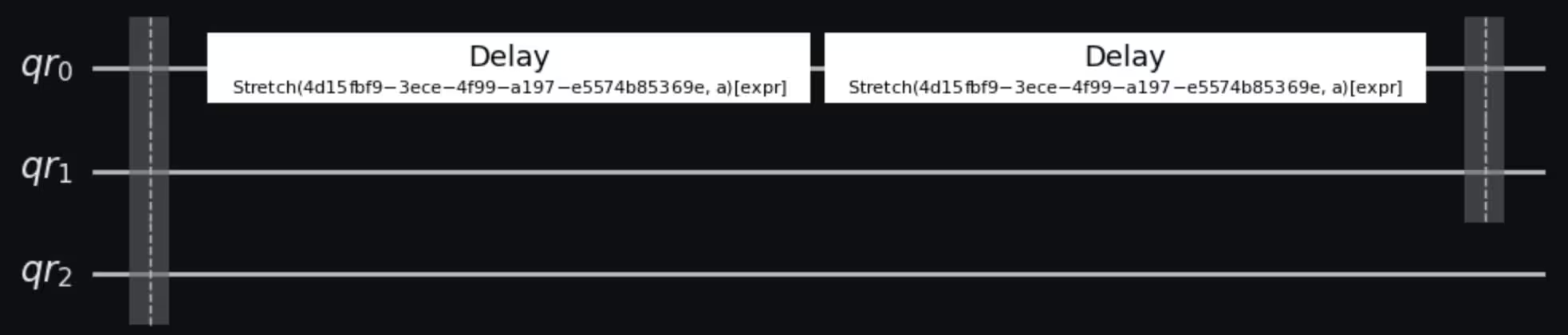
Valid use of stretch in a barrier region -
Stretch expressions are limited to those of the form
X*stretch + YwhereXandYare floating point or integer constants.a = circuit.add_stretch("a") b = circuit.add_stretch("b") c = circuit.add_stretch("c") # (a / b) * c is not supported circuit.delay(expr.mul(expr.div(a, b), c), q1)from qiskit.circuit import Duration a = circuit.add_stretch("a") circuit.delay(expr.add(expr.mul(a, 2), Duration.dt(3)), 0) -
Stretch expressions can only include a single stretch variable.
a = circuit.add_stretch("a")
b = circuit.add_stretch("b")
circuit.delay(expr.add(a, b), 0)
a = circuit.add_stretch("a") circuit.delay(expr.add(a, a), 0) -
Stretch expressions cannot resolve to negative delay values. The current solver doesn't infer non-negativity constraints.
from qiskit.circuit import Duration circuit.barrier((q0, q1)) circuit.delay(20, q1) # The length of this barrier region is 20dt, meaning the # equation for solving stretch 'a' is a + 40dt = 20dt, giving a = -20dt. circuit.delay(expr.add(a, Duration.dt(40)), q0) circuit.barrier((q0, q1))circuit.barrier((q0, q1)) circuit.delay(20, q1) circuit.delay(a, q0) circuit.barrier((q0, q1))